
“Linux is more secure than Windows” is one of those claims you hear repeatedly in tech conversations. The problem is that it’s usually stated without explanation, leaving newcomers to wonder whether it’s true, why it might be true, and whether it applies to them.
The short answer: Linux does have genuine security advantages over Windows for most users. But those advantages come from specific design decisions, not from magic. Understanding them makes you a better user of whichever system you’re on.
The Permission Model: Root vs. Standard User
The most important security feature of Linux is one beginners rarely notice because it operates quietly in the background: the permission model.
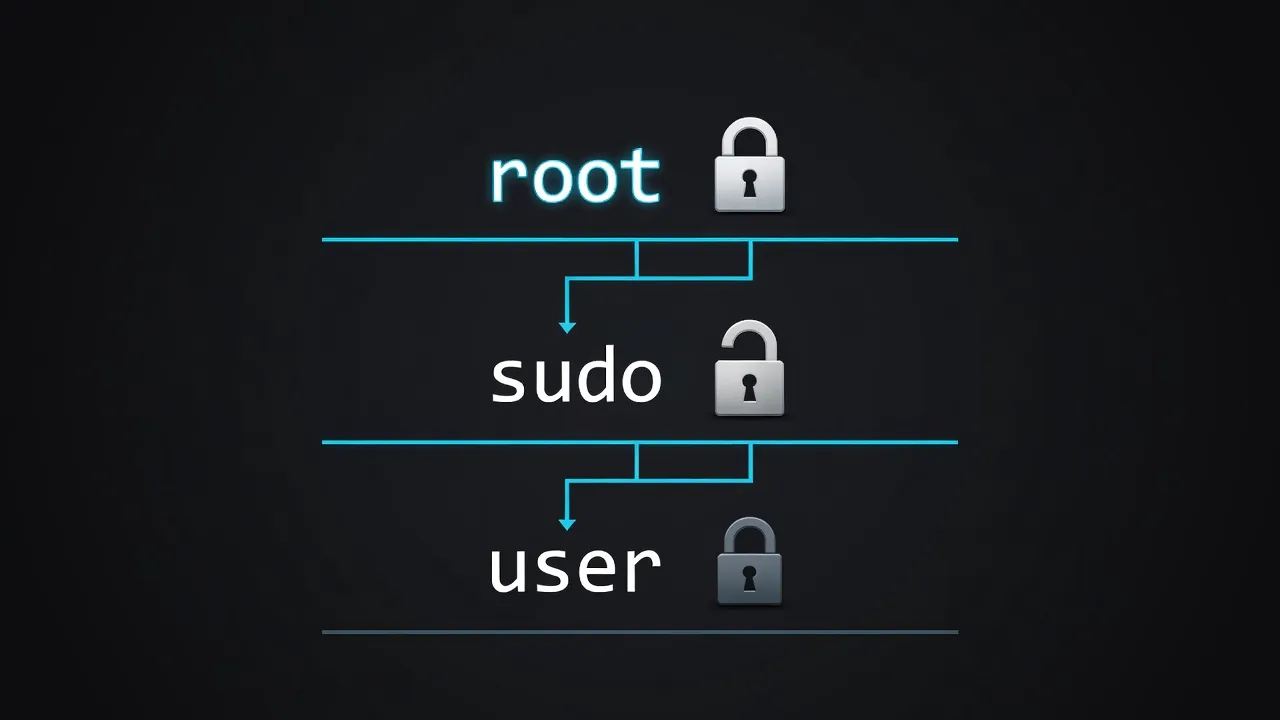
On a Linux system, there are two levels of authority:
- Standard user: Can read and modify files in their own home directory. Cannot modify system files, install software globally, or change system settings.
- Root (administrator): Can do anything on the system.
The critical point is this: even if you’re the only user and the “owner” of the machine, you spend your entire session operating as a standard user. When a system-level action is needed — installing software, changing network settings, modifying configuration files — you must explicitly elevate privileges using sudo, which requires your password.
Compare this to Windows. Before Windows Vista, the default account was full administrator. Vista introduced UAC (User Account Control), but Windows still defaults to administrator accounts for most home users, and UAC prompts are so common that users learn to click “Allow” without reading them.
The practical consequence: on Linux, malware that gets onto your system still has to escape the standard-user sandbox to do real damage. It needs your explicit password to install itself system-wide. On Windows, malware running as administrator (which is most home users’ default) has full access immediately. For practical steps to harden a Linux system, our Linux security basics guide covers UFW, SSH, and automatic updates.
Open Source Security: More Eyes on the Code
Linux is open source. Every line of the kernel and most core utilities can be read by anyone, including security researchers worldwide.
This cuts against the intuition that “hiding the code makes it safer” — which is called security through obscurity, and it’s a weak strategy. When Microsoft’s Windows has a vulnerability, relatively few people outside Microsoft can find it before attackers do. When Linux has a vulnerability, thousands of independent researchers, university teams, and company security teams are continuously reviewing the code.
Major vulnerabilities in Linux are typically discovered by the security community and patched within days — sometimes hours. The 2014 Heartbleed bug (in OpenSSL, used across Linux) was found by a Google security engineer reading the code. The patch was released the same day the vulnerability was disclosed.
Open source doesn’t eliminate vulnerabilities. But it dramatically improves the speed of discovery and patching, and it allows independent verification that fixes actually work.
The Attack Surface: Fewer Default Services
A fresh Windows installation starts dozens of services automatically: Cortana, Windows Search indexing, Telemetry, Windows Update Orchestrator, Remote Registry, and more. Each running service is a potential entry point for attackers. More running processes equal more attack surface.
A minimal Linux installation starts only what it needs: a display server, a desktop environment, and a few essential system services. Nothing runs unless it’s been explicitly enabled. This principle — minimum necessary services — is a foundational concept in security engineering.
When you do need to expose services (say, an SSH server for remote access), Linux expects you to configure and secure that service explicitly. Windows often enables services broadly and expects users to disable what they don’t need, which most users never do.
Package Managers vs. Random .exe Downloads
One of the most underappreciated security features of Linux is how software is installed.
On Windows, the standard workflow is: search Google for software, find a website (potentially fake), download a .exe file, run it with administrator privileges. Every step is a potential attack vector. Fake software sites, bundled adware, and drive-by downloads are persistent Windows problems for exactly this reason.
On Linux, software is installed through a package manager (like apt on Ubuntu/Mint, dnf on Fedora). Packages come from centralized, cryptographically signed repositories maintained by your distribution. Installing software means:
sudo apt install vlcThat’s it. The package comes from Canonical’s servers (for Ubuntu), is signed with a verified key, and contains only what VLC is supposed to contain. No fake download buttons, no bundled toolbars, no installer that wants to set your homepage to something you’ve never heard of.
This single difference eliminates an enormous category of Windows malware. Understanding Linux file permissions in depth helps you use the permission model to its full advantage.
Kernel Sandboxing and Process Isolation
The Linux kernel includes robust process isolation. Each process runs in its own protected memory space. Process A cannot read or write the memory used by Process B without special permissions. Even if a program is compromised, the damage is contained to what that program can legitimately access.
Linux also supports AppArmor (Ubuntu/Mint) and SELinux (Fedora/Red Hat) — mandatory access control systems that restrict what specific applications can do, even if they’re running as a standard user. Firefox on an AppArmor-configured system is explicitly restricted from touching files outside a small set of directories, regardless of what vulnerabilities it might have.
Update Model: Security Patches Without Forced Reboots
Linux’s update model is worth examining separately because it’s structurally different from Windows Update.
On Windows, major security updates typically require a reboot, and Windows will sometimes schedule these reboots automatically, potentially interrupting your work. This leads many users to defer updates for weeks — during which time known vulnerabilities remain unpatched on their systems.
On Linux, most security updates apply immediately without a reboot. The kernel itself can often be updated via livepatch without restarting. The result is that Linux systems tend to stay more current with security fixes, because the barrier to applying them is lower.
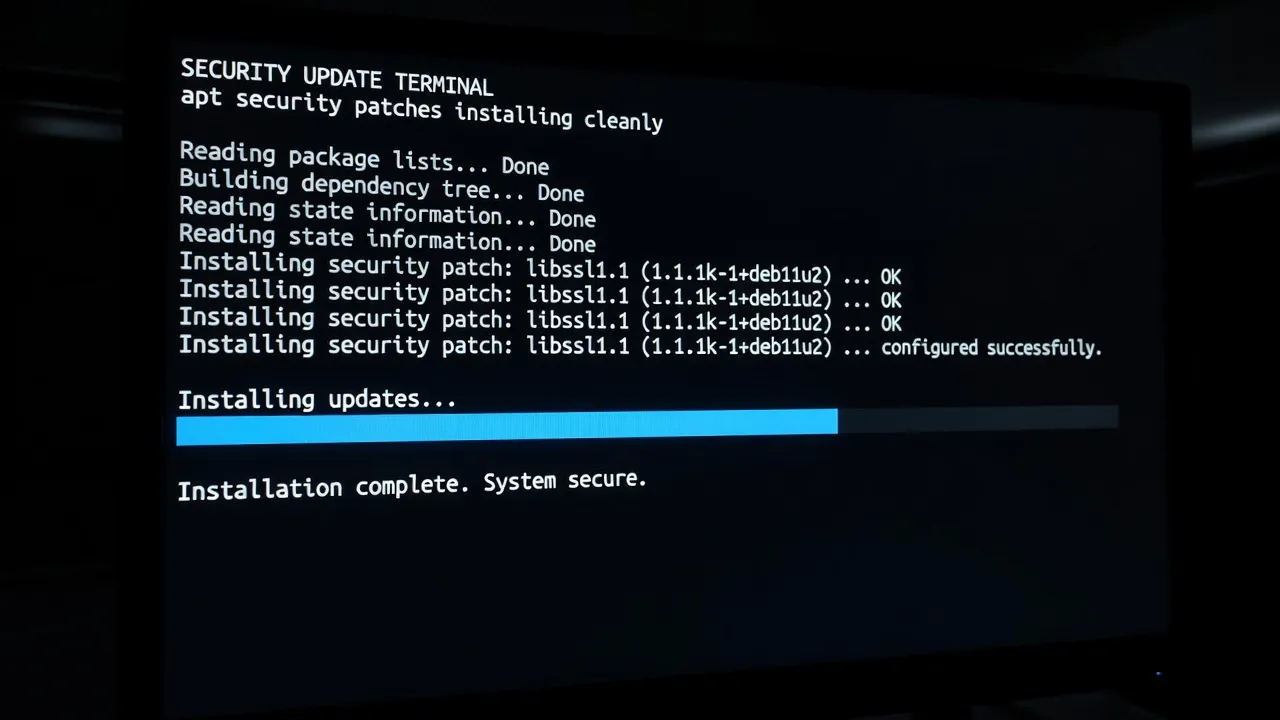
When you check for updates today and apply them — which takes under 60 seconds on a healthy Linux system — you’re protected against every publicly known vulnerability that has a patch. On Windows, update fatigue leads to deferred patching, which is one of the leading causes of compromised systems.
The “Security Through Obscurity” Myth — Debunked
Yes, Linux has a smaller desktop market share than Windows. And yes, this makes it a less attractive target for attackers whose goal is to reach the maximum number of victims.
But if “fewer people use it” were the only reason Linux were safer, then security researchers would agree that Linux on servers is as vulnerable as Windows on servers. They don’t, because Linux servers vastly outnumber Windows servers (Linux powers roughly 70% of internet servers) and yet Windows servers are compromised at significantly higher rates.
The structural differences — permissions, package management, process isolation, update model — provide security benefits that exist independent of market share.
When Linux Is NOT More Secure
It would be dishonest to claim Linux is invulnerable. There are situations where the security advantage shrinks or disappears:
Misconfigured servers: A poorly configured Linux server with weak SSH passwords, outdated software, or unnecessary open ports is significantly more vulnerable than a well-configured Windows server. Linux’s security requires active configuration. The defaults are good, but they’re not magic.
Social engineering: If a user with sudo privileges is tricked into running malicious commands in their terminal, Linux’s permission model provides no protection. The same is true of any system — security tools don’t protect against a user choosing to circumvent them.
Old, unpatched systems: The update advantage only applies if you actually run updates. A Linux system that hasn’t been updated in two years is not more secure than a patched Windows system.
Protecting yourself online requires more than operating system choice. Safe browsing habits, strong passwords, and up-to-date software matter regardless of platform. Resources on jthinformatique.com cover protecting yourself from phishing and online fraud — threats that affect every OS equally, and where human behavior is the variable that matters most.
The Practical Takeaway
Linux’s security advantages are real and structural. They come from the permission model, the open-source auditing, the package manager, and the minimal-services approach — not just from being less popular. For a direct comparison that addresses common misconceptions, see our Linux vs Windows myths guide.
For a beginner switching to Linux, the practical implications are:
- You won’t need to worry about accidentally running malware from fake download sites
- Your system updates will apply quickly and without forcing reboots
- Your files in your home directory are yours — other users and programs can’t touch them without your permission
- Enabling the firewall (UFW) takes one command:
sudo ufw enable
Security doesn’t require expertise on Linux. It requires good habits, which the system is designed to encourage.