
Martin Hughes works as an IT infrastructure technician in Manchester and has run a Linux home lab since 2019. He manages his own cloud storage, email server, VPN, and media centre from home, and helps newcomers at his local Linux user group set up their first servers.
What’s in your current home lab setup?
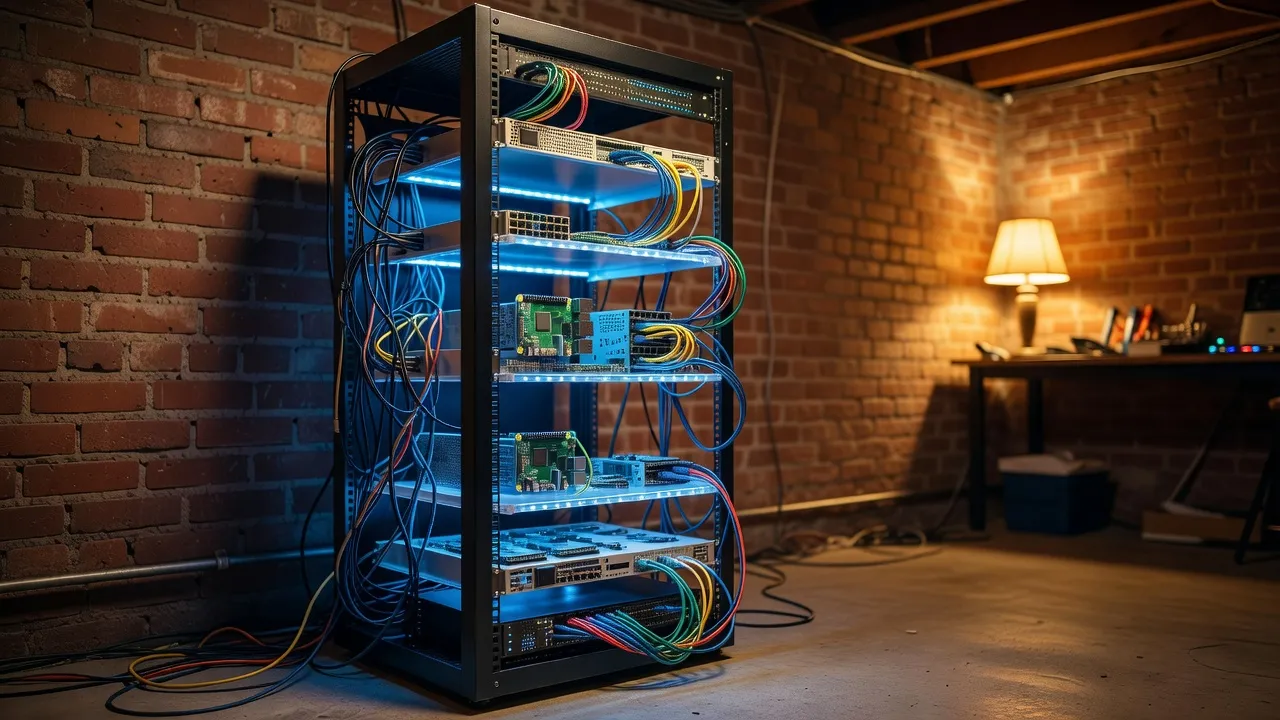
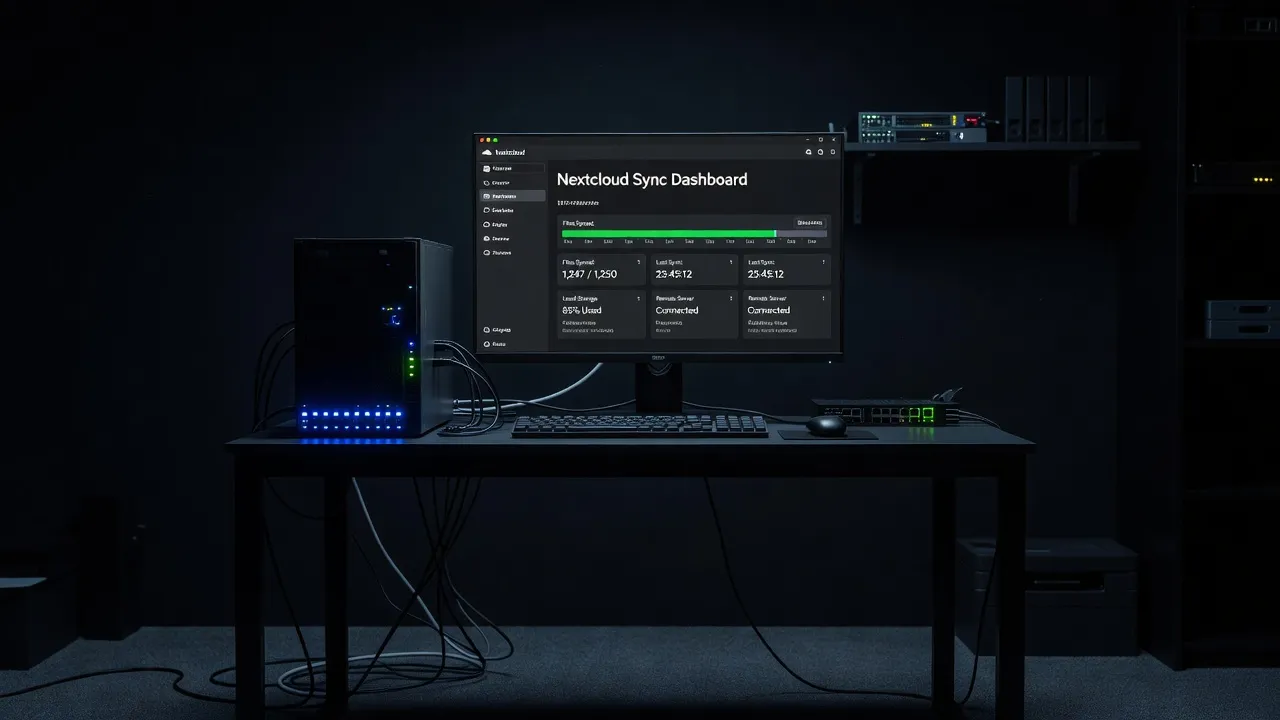
Three machines, which sounds more intimidating than it is. The oldest is a repurposed Intel NUC from 2017 — tiny, silent, uses about 15 watts — which runs Debian and hosts my Nextcloud instance, Vaultwarden (a self-hosted password manager), and a Gitea server for my personal code repositories.
The second is a proper home server: a second-hand Dell PowerEdge mini-tower I bought for £80. That runs TrueNAS Scale and handles around 8TB of storage with RAID redundancy. It’s where all my family’s photos, documents, and media files live.
The third is a Raspberry Pi 4 that does networking duties: Pi-hole for network-wide ad blocking, Wireguard VPN so I can access everything securely from outside my home network, and Uptime Kuma for monitoring the other two machines.
It grew over years, not months. My advice to beginners is to start with one task on one cheap piece of hardware and expand only when you’ve mastered that.
What was your very first self-hosting project?
Pi-hole on a Raspberry Pi 3, in 2019. I’d read about it and it seemed achievable — the entire setup is literally one command once you have the Pi running. It blocks ads network-wide, which means every device on your WiFi benefits without installing browser extensions.
The experience taught me more about DNS than I’d expected, and it made me comfortable logging into a Linux machine over SSH, editing configuration files, and checking logs. Those are exactly the skills you need for every other self-hosting project. Pi-hole is the right starting point. Our guide to setting up a Linux home server covers the initial steps for beginners choosing their first hardware and OS.
What’s the minimum hardware a beginner needs?
Truly minimum: a Raspberry Pi 4 with 4GB RAM, a microSD card (32GB or larger), a case with decent cooling, and a USB drive or external hard drive for data. That whole setup costs around £100-120 and can run continuously for years using £1-2 per month in electricity.
If you already have an old laptop or desktop sitting unused, use that first. Any machine with 4GB of RAM and 64GB of storage that can run Ubuntu can run a useful home server. You don’t need new hardware to start.
What you do need is a consistent power supply — servers need to stay on — and some patience when things don’t work immediately. The Raspberry Pi community and Ubuntu forums have solved every problem you will encounter.
Which Linux distribution do you recommend for a home server, and why?
Ubuntu Server LTS for beginners, without hesitation. The LTS (Long Term Support) releases are supported for five years with security updates. The community is enormous. Every tutorial you find online is 80% likely to work without modification on Ubuntu Server. The apt package manager keeps everything updated in one command.
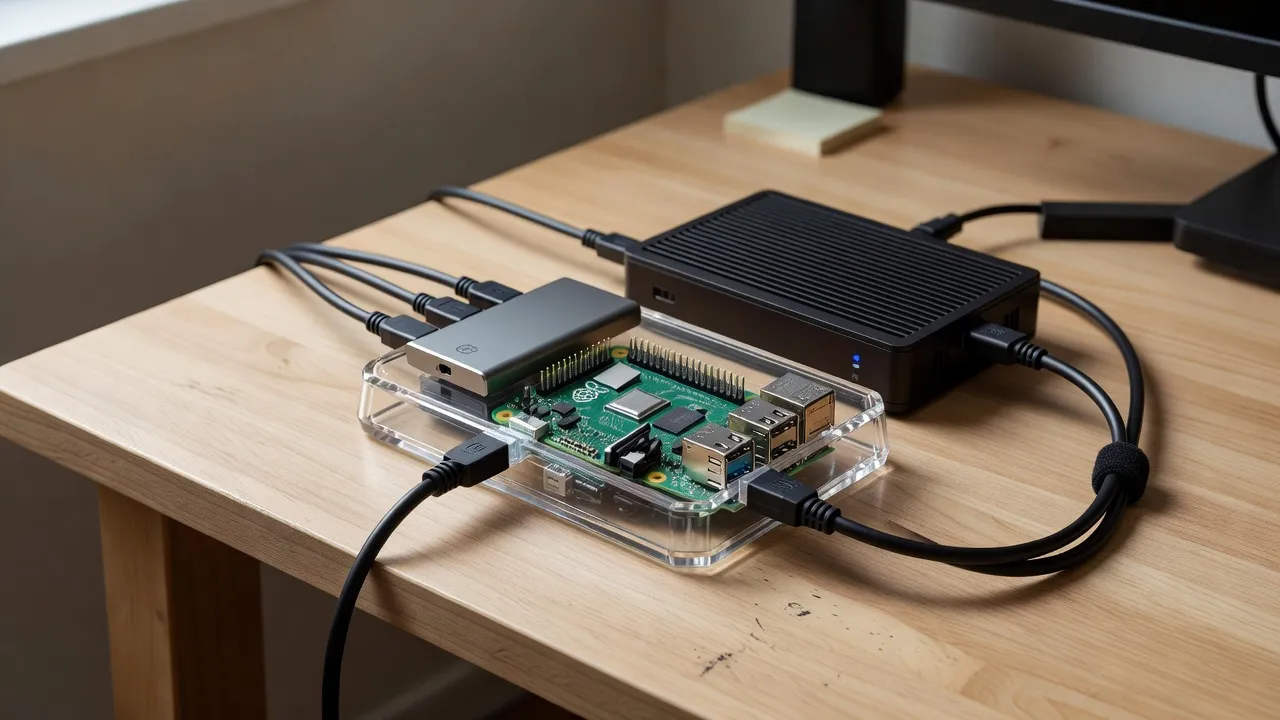
If you’re using a Raspberry Pi, start with Raspberry Pi OS Lite — it’s optimized for the hardware and the setup documentation is excellent. Once you’ve outgrown it, Ubuntu Server for ARM is the natural next step.
Avoid Arch Linux and Gentoo until you understand what “compiling from source” means. They’re not for beginners.
What services do you self-host that surprised people the most?
Email. When I tell people I run my own email server — Postfix + Dovecot + Rspamd — they look at me like I’ve described building my own car. But for a single person or small family, it’s achievable, and the privacy benefits are significant.
The harder truth is that self-hosted email is genuinely complex to set up correctly, particularly the spam filtering and deliverability configuration. I wouldn’t recommend it as a first project. Nextcloud, Jellyfin, or Pi-hole are much better starting points.
The service people find most useful after hearing about it: Jellyfin. A self-hosted media server that organises your personal film and TV collection, accessible from any device in your home (and remotely through a VPN). People realize they can replace Netflix for content they already own.
What mistakes do beginners make most often?
Three consistent ones.
First, choosing hardware that’s too powerful (and expensive) before they’ve validated that they’ll actually use the server. You don’t need a £500 NAS box for your first Nextcloud instance. Start cheap, expand when you’ve proven to yourself you’ll maintain it.
Second, skipping backups. Self-hosting means you are responsible for your data. I’ve seen people lose years of photos because their single-drive server failed and they had no backup. The 3-2-1 rule: three copies of important data, on two different media types, with one off-site. Our guide to Linux backup solutions covers rsync, Timeshift, and BorgBackup in depth.
Third, exposing services directly to the internet without understanding what they’re doing. If you’re running a public-facing service, you need to understand SSH hardening, fail2ban, and firewall configuration before you open port 22 to the world.
How do you handle security on a home server?
A few non-negotiable practices.
SSH keys only — password authentication disabled. An SSH key is nearly impossible to brute-force; a password is not. This takes 10 minutes to set up and closes the most common attack vector for home servers.
Fail2ban running on every internet-facing service. It monitors login attempts and blocks IP addresses after too many failures.
UFW (firewall) with a default-deny policy: all ports closed except the specific ones I need.
Automatic security updates enabled via unattended-upgrades. I don’t have to think about it — the system patches itself. Our Linux security basics guide covers SSH hardening, UFW configuration, and automatic updates in full.
And Wireguard VPN. Instead of exposing services like Nextcloud directly to the internet, I access them through an encrypted VPN tunnel. From outside my home network, my server is effectively invisible.
What’s the best way to learn — following a tutorial or diving in?
Both, in sequence. Follow one complete tutorial that takes you from zero to a running service — the official Nextcloud documentation or the Pi-hole installation guide are excellent. Follow it exactly. Don’t improvise.
Then break something. Intentionally. Delete a configuration file and restore it. Try to install conflicting packages. Force yourself to read an error message and diagnose it. That’s where the real learning happens.
For coding projects you want to host on your home server, the tutorial guides at codeyourweb.org are some of the clearest I’ve found for learning to code and build web projects that you can then deploy yourself. Understanding what you’re running helps enormously when something breaks.
What would you tell someone who thinks self-hosting is too complicated?
That it’s complicated in the same way that cooking is complicated. Your first attempt will take three times longer than you expect and something will go wrong. By your fifth attempt you’ll be moving quickly and confidently.
The complexity is learnable, and it’s stackable — each new service is easier than the last because you’ve internalized how Linux services work, how configuration files are structured, and how to read logs.
Start with Pi-hole on a Raspberry Pi. If you’re not overwhelmed by that, move to Nextcloud. If that feels manageable, you’re a home server person. The barrier feels high from outside and trivial from inside.