Switching to Linux means rethinking how you find and install software. On Windows you visit websites and download installers. On Linux you use a package manager, and the result is faster installs, automatic updates, and zero malware risk from fake download sites.
This list covers 20 essential free applications for everyday Linux use. Each one is mature, well-maintained, and installs cleanly on any major distribution.
Browsers
1. Firefox
The default browser on Ubuntu, Mint, and many other distributions. Fast, privacy-respecting, and packed with developer tools. Mozilla (the non-profit behind Firefox) prioritizes user privacy over advertising revenue.
sudo apt install firefoxFirefox on Linux receives the same updates as the Windows and macOS versions. Sync your bookmarks, history, and passwords across devices using a free Firefox account.
2. Chromium
The open-source foundation that Chrome is built on, without Google’s tracking and telemetry. Identical rendering engine to Chrome, so compatibility with web apps is the same.
sudo apt install chromium-browserChoose Chromium if you need Chrome compatibility without the privacy concerns.
3. Brave
A privacy-focused browser that blocks ads and trackers by default, built on Chromium. Noticeably faster on ad-heavy websites. Brave has its own cryptocurrency reward system you can safely ignore.
# Installation requires adding the Brave repository first:
curl -fsS https://dl.brave.com/install.sh | sh
Office and Productivity
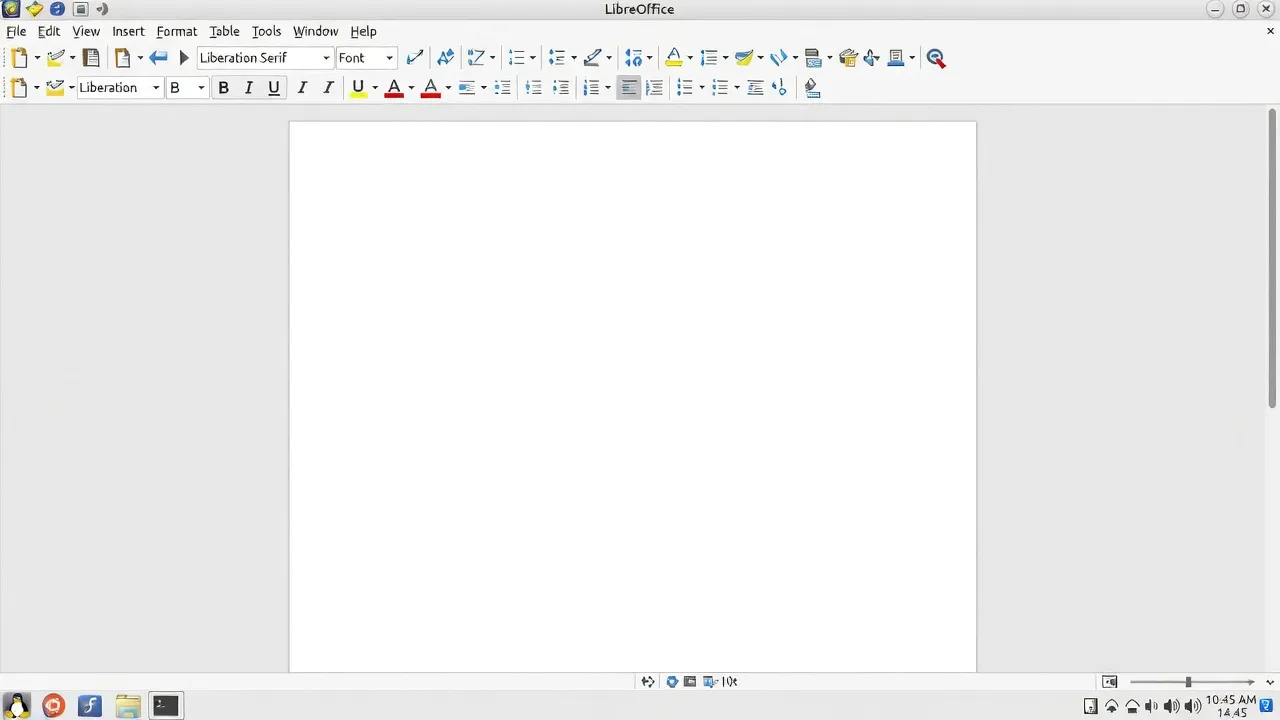
4. LibreOffice
The most complete Microsoft Office alternative for Linux. Includes Writer (Word), Calc (Excel), Impress (PowerPoint), Draw, Base (database), and Math (formula editor).
sudo apt install libreofficeLibreOffice opens .docx, .xlsx, and .pptx files. Formatting is preserved for most documents. The interface differs from Office but is fully functional within a short learning period.
5. OnlyOffice
An alternative to LibreOffice with a more Microsoft Office-like interface. Particularly strong for .docx compatibility and collaborative editing features.
# Install via Flatpak:
flatpak install flathub org.onlyoffice.desktopeditors
OnlyOffice is a good choice if your primary concern is sharing documents with Windows users who expect perfect formatting.
6. Thunderbird
Mozilla’s email client. Handles multiple accounts (IMAP, POP3, Exchange via addon), calendar, contacts, and task management in one application.
sudo apt install thunderbirdThunderbird is a substantial upgrade over webmail for anyone managing multiple email accounts. It works offline and keeps local copies of your emails.
Media and Graphics
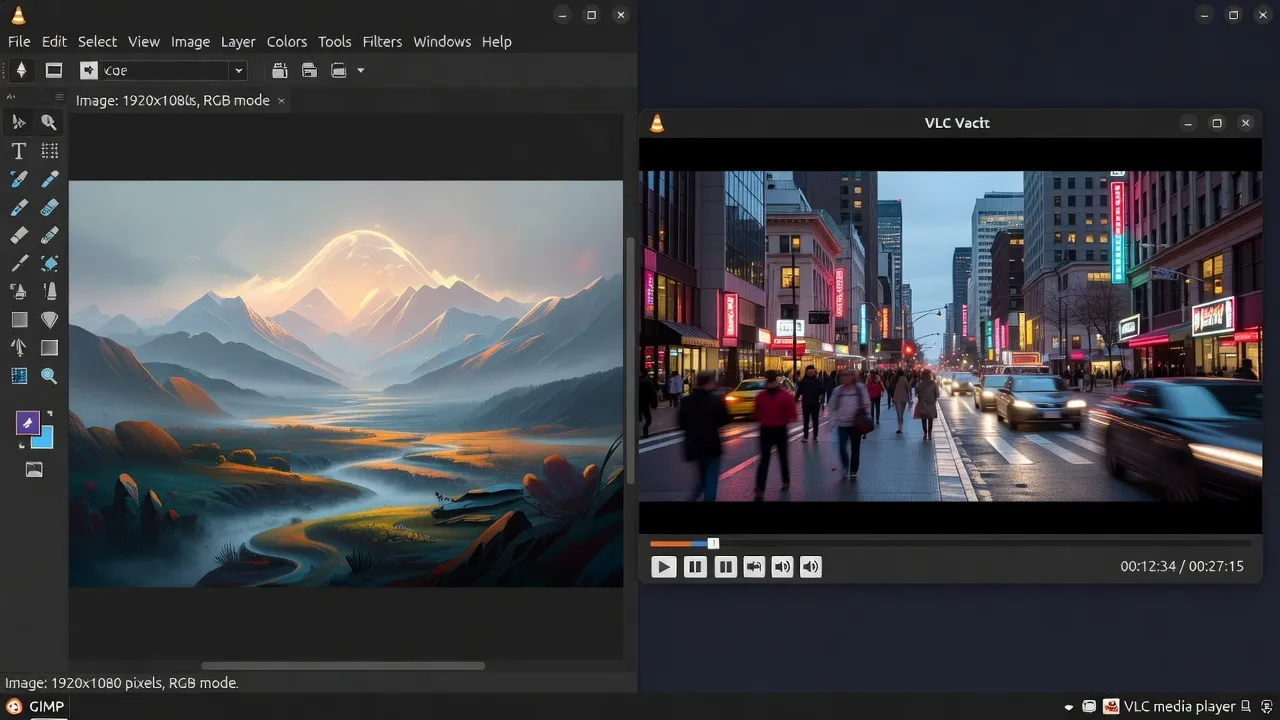
7. VLC
Plays every video and audio format known to exist. DVD, Blu-ray, MKV, FLAC, network streams, webcam input — VLC handles it without installing additional codecs.
sudo apt install vlcVLC is the first application to install on any new Linux system. It also handles subtitle files, audio track switching, and playback speed control.
8. GIMP
The GNU Image Manipulation Program — a full-featured image editor comparable to Photoshop for most tasks. Photo editing, compositing, drawing, batch processing.
sudo apt install gimpGIMP has a steeper learning curve than simple photo editors but is capable of professional-quality work. Useful for editing images, resizing batches of photos, and creating graphics.
9. Inkscape
Vector graphics editor comparable to Adobe Illustrator. Works with SVG files natively. Use it for logos, illustrations, infographics, and any graphics that need to scale without quality loss.
sudo apt install inkscape10. Audacity
Multi-track audio editor and recorder. Record from microphone, edit podcasts, remove background noise, apply effects, and export in any audio format.
sudo apt install audacityAudacity is the standard tool for podcast editing and audio clean-up on Linux.
Communication
11. Telegram
Fast, privacy-respecting messaging app with a strong Linux client. Supports large file transfers, channels, bots, and end-to-end encrypted secret chats.
sudo apt install telegram-desktopThe Linux Telegram client is well-maintained and updated regularly. A good alternative to WhatsApp for anyone who values privacy.
12. Element (Matrix)
A decentralized, end-to-end encrypted messaging and collaboration platform. Works through the Matrix protocol — no single company owns the servers.
# Install via Flatpak:
flatpak install flathub im.riot.Riot
Element is the tool of choice for privacy-conscious teams and the open-source community. Securing the system running these tools matters equally — our Linux security basics guide covers UFW, SSH hardening, and automatic updates.
Development
13. Visual Studio Code
Microsoft’s code editor, available natively on Linux with full extension support. TypeScript, Python, Rust, Go, Docker, Git integration — everything works as on Windows.
# Add Microsoft repository and install:
wget -qO- https://packages.microsoft.com/keys/microsoft.asc | gpg --dearmor > packages.microsoft.gpg
sudo install -o root -g root -m 644 packages.microsoft.gpg /etc/apt/trusted.gpg.d/
sudo sh -c 'echo "deb [arch=amd64] https://packages.microsoft.com/repos/code stable main" > /etc/apt/sources.list.d/vscode.list'
sudo apt update && sudo apt install code
VS Code on Linux is identical to the Windows and macOS versions. Extensions, settings sync, and remote development (SSH, containers) all work.
14. Geany
A lightweight text editor with basic IDE features. Syntax highlighting for dozens of languages, project management, build tools. Loads instantly, uses minimal RAM.
sudo apt install geanyGeany is the right choice when VS Code feels too heavy — for quick edits, configuration files, and scripting.
System Utilities
15. htop
An interactive process monitor — a better version of top. Shows CPU, memory, and process usage in real time with color coding. You can kill processes directly from the interface.
sudo apt install htopOpen htop whenever your system feels slow to immediately identify which process is consuming resources.
16. Timeshift
System snapshot and restore tool. Creates point-in-time snapshots of your system that you can restore if an update breaks something. Works like Windows System Restore but more reliably.
sudo apt install timeshiftRun Timeshift before major system changes (distribution upgrades, experimental software installs). It has saved many Linux users from reinstalling their entire system.
Reliable backup is equally important at the file level. softaid.net covers practical backup strategies and tools that complement Timeshift for a complete data protection approach — worth reading before you rely on a single backup method.
17. GParted
Graphical partition editor. Resize, create, delete, format, and manage disk partitions without the command line.
sudo apt install gpartedGParted is essential for setting up new drives, resizing partitions for dual-boot setups, and formatting storage devices.
Gaming
18. Steam
Valve’s game distribution platform with full Linux support. The Steam Play / Proton compatibility layer lets you run a large portion of Windows games on Linux.
sudo apt install steamAfter installing, enable Steam Play for all titles in Steam Settings → Steam Play. Check ProtonDB before purchasing to see which games work well on Linux.
19. Lutris
An open-source game manager that installs and manages games from multiple sources: GOG, itch.io, Epic Games Store, Humble Bundle, and many emulators. Handles Wine prefixes automatically.
sudo apt install lutrisLutris is particularly useful for older Windows games that aren’t available on Steam, and for running games from other storefronts through Wine.
20. Heroic Games Launcher
An open-source client for the Epic Games Store and GOG. Lets you download, install, and launch your Epic and GOG library on Linux without running the Windows clients through Wine.
# Install via Flatpak:
flatpak install flathub com.heroicgameslauncher.hgl
Installing Everything at Once
To install the apt-compatible applications in one command:
sudo apt update && sudo apt install -y \
  firefox chromium-browser libreoffice thunderbird \
  vlc gimp inkscape audacity telegram-desktop \
  geany htop timeshift gparted steam
For VS Code, Brave, and the Flatpak apps, follow the individual instructions above — they require either a repository addition or Flatpak support.
To enable Flatpak support on Ubuntu/Mint:
sudo apt install flatpak
flatpak remote-add --if-not-exists flathub https://flathub.org/repo/flathub.flatpakrepo
These 20 applications cover the essential needs of most Linux users. Start with what you need immediately, explore the rest as your Linux comfort grows. Our 50 essential Linux commands guide is the natural companion once your applications are in place.